
The two search/filter fields let you search based on INCLUDE patterns like:
GAR, G?R, ??GAR or just @ for repeats.
The EXCLUDE accepts any number of letters of “burned” gray letters or letters you want to exclude. It is not pattern based.
You can use either INCLUDE or EXCLUDE or both.
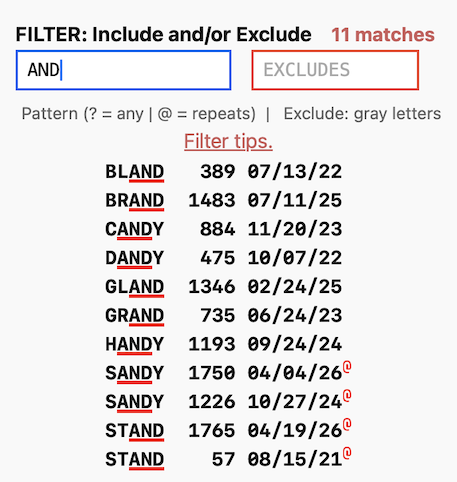
In the example above, I typed “AND” and any word with “AND” in it is found and the AND is underlined in red. There are 11 matches.
You can use a “?” as a wildcard character(s).
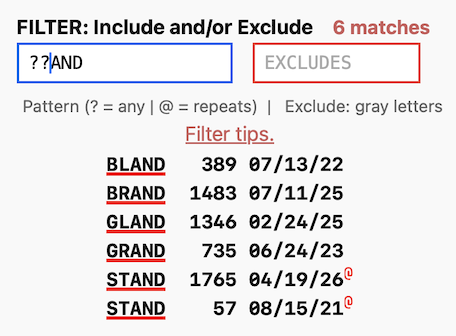
In the example above I narrowed the search to words starting with ?? which means only match the last 3 letters. There are now 6 matches.
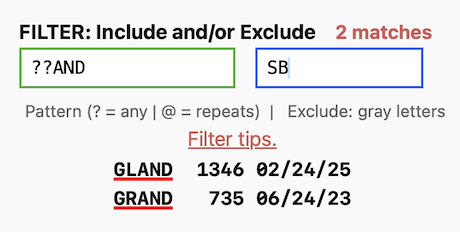
Here I’ve excluded answers with an S or a B, narrowing the filter down to 2 matches.
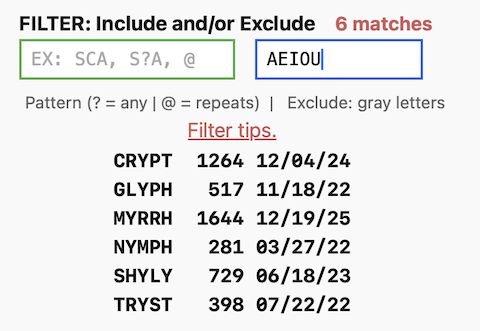
You can use the EXCLUDE field alone. Here I eliminated all vowels to reveal a short list of “Y only” words:
New CLEAR Feature
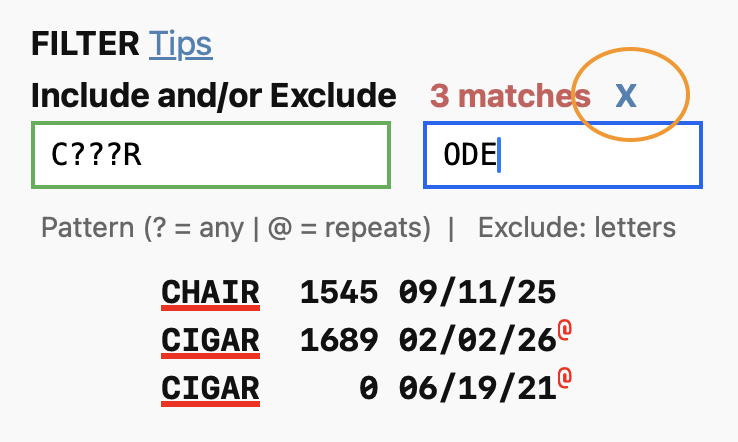
A blue “X” has been added next to the match count. It will clear and reset both the Include and Exclude fields.
Pro tip: The escape key will also clear either field if you are in it.


Leave a New Comment